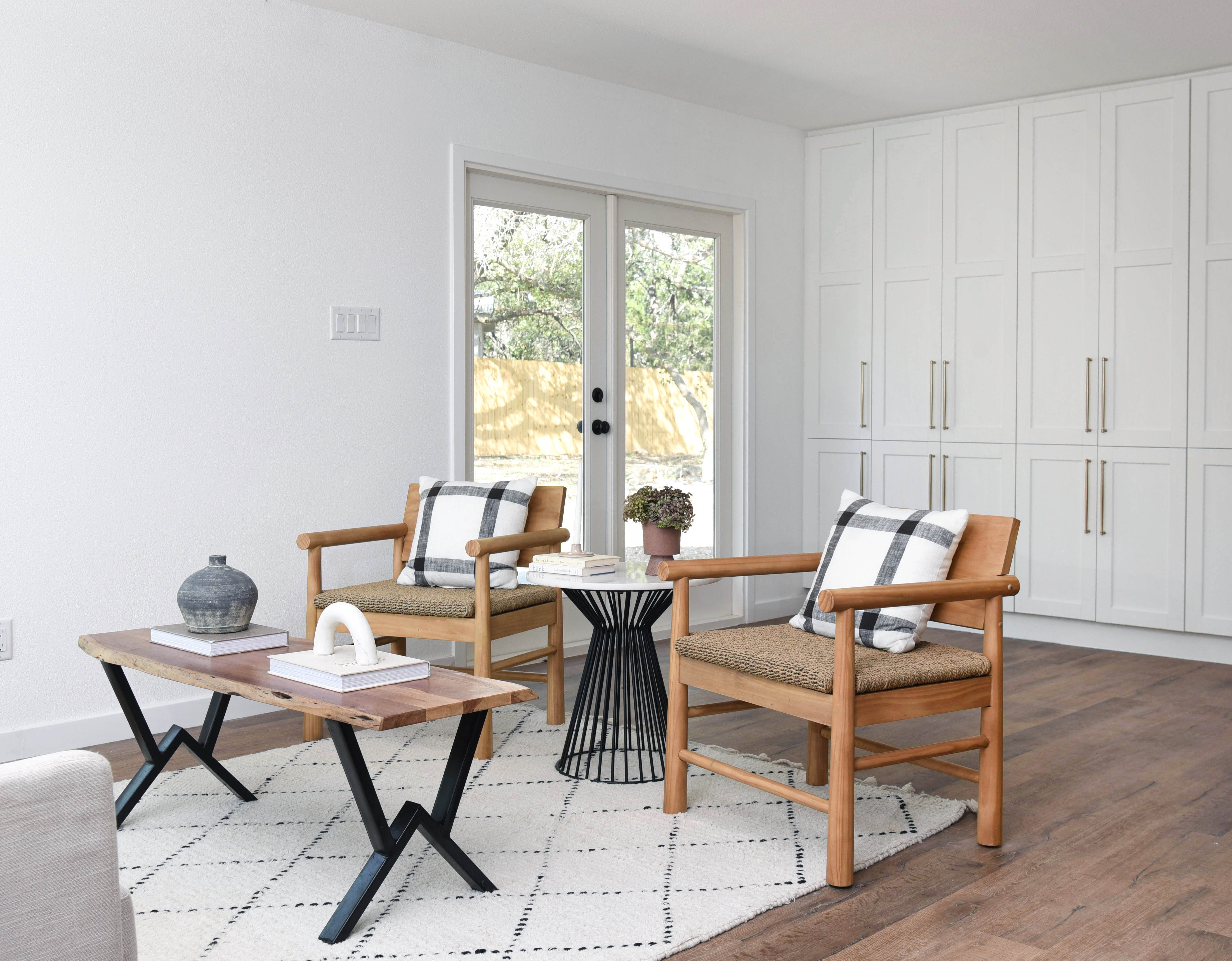
If you have ever stared at a blank room and had no idea where to start, a digital interior design plan is the shortcut you have been missing. These downloadable templates do the measurement math for you, show you exactly where furniture should go, and give you a clear shopping list — no design degree required.
What Is a Digital Interior Design Plan?
A digital interior design plan is a pre-drawn floor plan or room layout template you download as a PDF or editable file. It includes scaled furniture placement, traffic flow guides, and often color palette suggestions. You customize it to match your room dimensions, print it out, and use it as a room-by-room renovation roadmap.
At Home Plans templates are built specifically for real homes — small apartments, open-plan living areas, and awkward bedroom shapes included.
Step 1: Download and Open Your Plan
After purchasing from our Etsy shop, you will receive an instant download link. Most plans come as PDF files you can open in Adobe Reader (free) or any PDF viewer on your phone, tablet, or computer.
If the plan includes an editable version, open it in Canva or Adobe Illustrator to swap in your own dimensions.
Step 2: Measure Your Room
Grab a tape measure and note the following before touching a single piece of furniture:
- Room width and length
- Ceiling height if you plan tall shelving or curtains
- Window and door positions (and which way doors swing)
- Location of outlets, radiators, and any fixed features
Jot these on the plan or a notepad. This takes about ten minutes and prevents every common decorating mistake.
Step 3: Map Your Plan to Your Space
Hold the printed plan next to your room or pull it up on a tablet. Match the key reference points — windows, entry door, main wall — to orient the layout. Most plans use a scale of 1 inch to 1 foot, so a sofa marked as 7 inches long on the plan represents a 7-foot sofa in real life.
Use this to decide which furniture pieces fit and which are too large before you buy or move anything heavy.
Step 4: Shop or Edit Your Existing Pieces
The plan will show you the ideal dimensions for each furniture piece. Use these as your shopping filters. If you already own a sofa that is close in size, keep it and adjust surrounding pieces instead.
Our plans include a suggested furniture list with size ranges for each item — making shopping significantly faster than starting from a blank search.
Step 5: Arrange and Adjust
With the plan as your guide, move furniture into position. Start with the largest anchor piece (usually the sofa or bed), then work outward. Do not push everything against the walls — the plan will show you why central groupings almost always look better.
Give yourself one week of living in the layout before making final decisions. Small daily adjustments are normal.
Why This Works Better Than Winging It
Decorating without a plan leads to expensive mistakes: furniture that does not fit through the door, rugs that are too small, seating arrangements that block natural light. A digital plan eliminates all of that by making scale and proportion visible before you spend money.
Plus, you can reuse the same template for future refreshes — just edit your measurements and try a new arrangement.
Ready to Start?
Browse our full collection of room-specific layout templates, floor plans, and decor guides in the At Home Plans Etsy shop. Every plan is an instant download with a satisfaction guarantee — and costs far less than a single hour of professional design consultation.
Your finished room is one download away.